Historically, this was always accomplished using a script, whether with the internal renderer or flam3. We now have a bulit-in batch rendering command, plus I have my own custom (script) method. Which method to use depends very much on one's preferred workflow. Essentially, we can divide this into two groups:
1. All renders share the basic rendering parameters.
2. Each render has individual requirements.
Case #1 is simple: its simplest solution is to use the bulit-in method Flame, Render All Flames (Ctrl-Alt-R), offering the usual dialogue for setting parameters. Scripted, the equivalent is:
Renderer.Width := ##;
Renderer.Height := ##;
for i := 0 to FileCount - 1 do
begin
LoadFlame(i);
Flame.SampleDensity := ##;
Flame.Oversample := ##;
Flame.FilterRadius := ##;
Renderer.Filename :='path' + Flame.Name + '.ext';
SetRenderBounds;
Render;
end;
UpdateFlame := False;
where ##, path and ext should be specified as desired.
To render the contents of a .flame file other than the current one, simply precede the code with:
SetFlameFile('full path\filename.flame');
Case #2 requires a little more work, but provides more flexibility. Each parameter set would require saving with the desired dimensions, set on the Image Size tab of the Adjust dialogue (make sure to click Apply). The script code would then read:
for i := 0 to FileCount - 1 do
begin
LoadFlame(i);
Renderer.Width := Flame.Width;
Renderer.Height := Flame.Height;
Flame.SampleDensity := ##;
Flame.Oversample := ##;
Flame.FilterRadius := ##;
Renderer.Filename :='path' + Flame.Name + '.ext';
SetRenderBounds;
Render;
end;
UpdateFlame := False;
But there is no easy way to set individual values for quality, oversample and filter radius, other than editing the .flame file manually, either with a text or XML editor. To this end, I developed a spreadsheet in which values for each parameter set are entered into adjacent cells, then a button pressed that copies the code to form a consecutive set of instructions, like this:
LoadFlame(0);
Renderer.Width := 6000;
Renderer.Height := 6000;
Flame.FilterRadius := 1.2;
Flame.Oversample := 1;
Flame.SampleDensity := 1000;
Renderer.Filename := 'C:\Program Files\Apophysis 2.0\Prints\' + Flame.Name + '.jpg';
SetRenderBounds;
Render;
LoadFlame(1);
Renderer.Width := 6000;
Renderer.Height := 6000;
Flame.FilterRadius := 0.8;
Flame.Oversample := 1;
Flame.SampleDensity := 500;
Renderer.Filename := 'C:\Program Files\Apophysis 2.0\Prints\' + Flame.Name + '.jpg';
SetRenderBounds;
Render;
.
.
.
etc.
This takes very little time and provides complete flexibility for parameter choice for unattended rendering.
Saturday, 7 March 2009
Tip: batch rendering


Saturday, 14 February 2009
Tip: linked transforms - post-transforms on steroids
I've only recently discovered the power of this feature, thanks to this blog post. I'd had as a mental wishlist item for future Apo the ability to apply variations to post-transforms, and here it was under my nose since 2.08!
Application is simple: select the transform to link in the Transform Editor, right-click anywhere in the Xaos tab and select "Add linked xform". All this does is save much clicking as the thing can be set up manually: the transform from which the link is created becomes invisible (check box on the Colors tab), and the new linked transform (default Linear so no noticeable change) takes all its former traffic via xaos coefficients (its sole 'From' is 1 from the invisible xform, its 'To's are inherited from the invisible xform, which retains its 'From's but now has a sole 'To' of 1 running to the linked xform). The Color symmetry value of the linked xform is set to 1, which effectively retains the colour distribution.
The practical upshot of all this is that all the hits to the now invisible xform may be transformed independently of all others. The new scope this offers is quite dizzying: it's like discovering an entire new wing to a familiar house, the stuff of dreams. Of course, it needn't stop there: build as many layers of linked transforms as you like. Some appetite-whetters:
Basic flower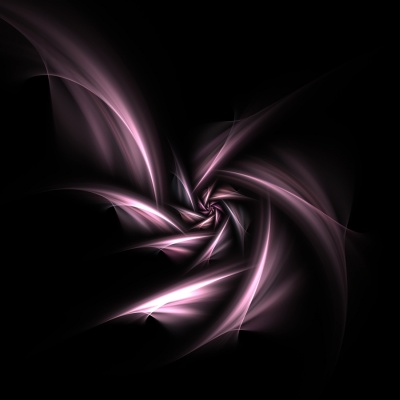
Linked loonie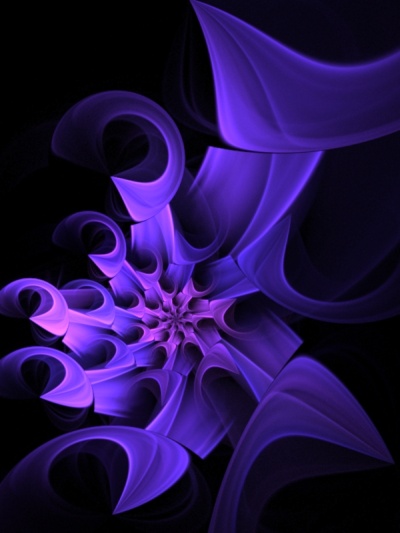
Basic disc-julian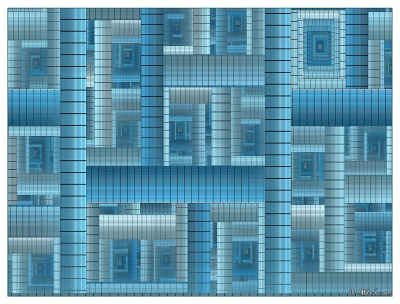
Linked sinusoidal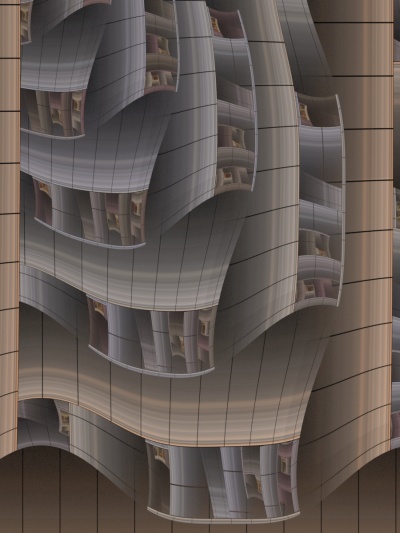
Double-linked julian, swirl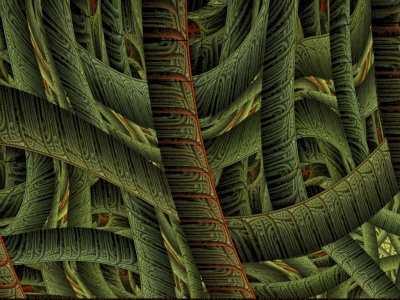
Saturday, 31 January 2009
Visionary vine
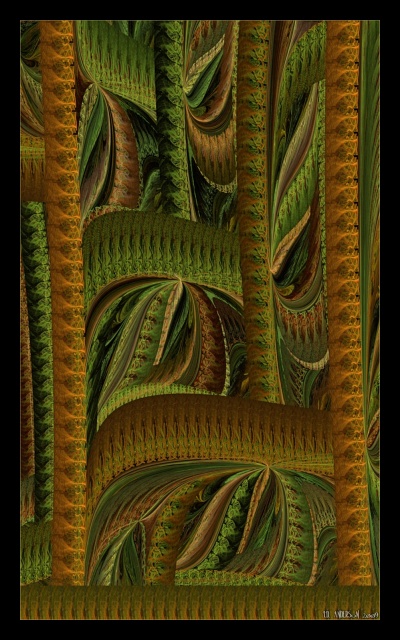
The fall from grace, or the grace from which the fall? My entry for the WTC 'Gardens of Eden'.
#5 in the extensive series 'The new DJs'. The displaced cuneiform Julia slips her disc.
Thursday, 29 January 2009
A trip to the baths
Was that mycological breakfast really a good idea before a swim? Now look at the choices you face!
#4 in the extensive series 'The new DJs'. Tiles wedged into position by Julia.
Wednesday, 28 January 2009
An ancient cosmology
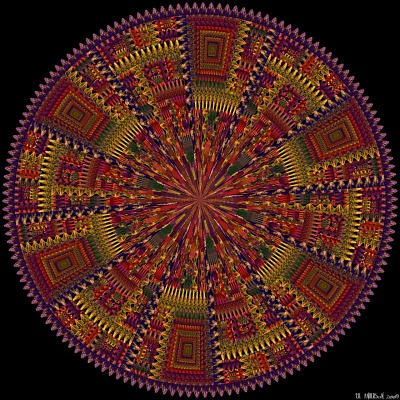
Reconstruction of an ancient roundel, discovered well-preserved after glacial disgorgement and believed to be encoded with an entirely alien cosmology. The colours were determined following chemical analysis. Some archaeologists have speculated that such objects may have formed the basis for the cosmologies of earlier human civilisations, whether via decoding or, more controversially, contact.
#3 in the extensive series 'The new DJs'. Perhaps a DJJ ;)
Friday, 23 January 2009
Deep-frozen
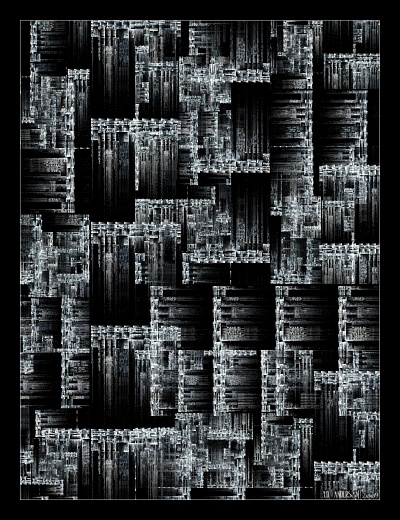
"We thought we'd reached the lowest level in this antediluvian Antarctic complex of alien megalithic structures and impossible engineering when Reeve called us over to one of the walls. There was a regular vertical space of about 5mm, through which, despite the freezing air in which we stood, I could feel a faint rush of even colder air: it was a door! The mechanism still functioned, as we discovered quite by accident in our crude seeking. The great stone block swung easily aside and we advanced cautiously, torches on full. Infinity would undoubtedly be boring to look at: what's, after all, to see? What confronted us was not infinite, but it was colossal, on a scale that mocked anything our modern world has ever produced. An arrangement of pipework and valves whose merest fraction could be used to construct an entire oil refinery, the whole covered in aeons-old ice, stretching downwards far, far beyond the reach of our lighting. The steps that led downwards were of the same scale as the others we'd encountered elsewhere, difficult but not impossible for human movement, and solid-looking. Nobody ventured a descent..."
#2 in the extensive series 'The new DJs'. A work of the imaginary ;)
Pictures at an exhibition
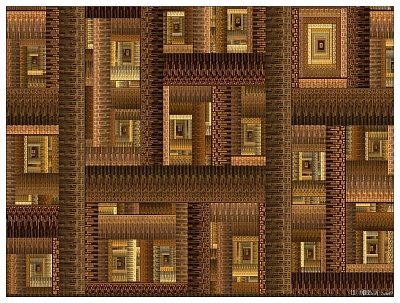
Titled after Mussorgsky's famous suite, hopefully for obvious reasons :D
#1 in the extensive series 'The new DJs'. Extra definition with weights and xaos.
Wednesday, 21 January 2009
Tuesday, 20 January 2009
Release
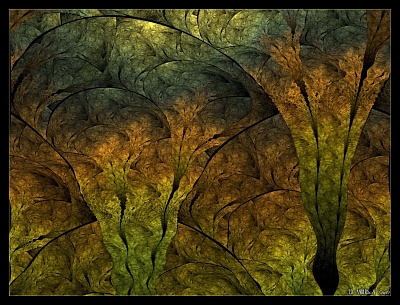
When the pressure builds, just... breathe in... and hold... and release.
More splits/elliptic - I'm loving this style!
Sunday, 18 January 2009
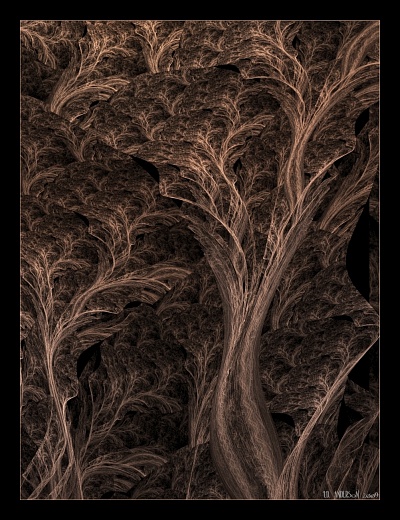
Saturday, 17 January 2009
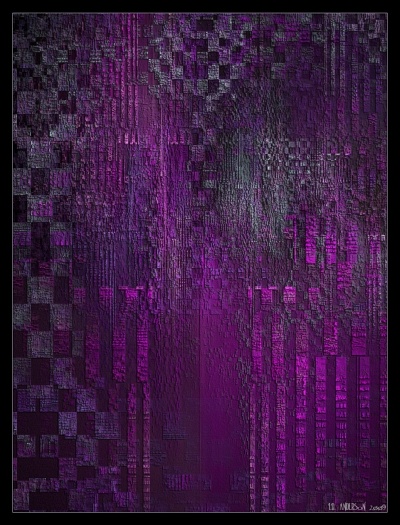
Friday, 16 January 2009
Headlong
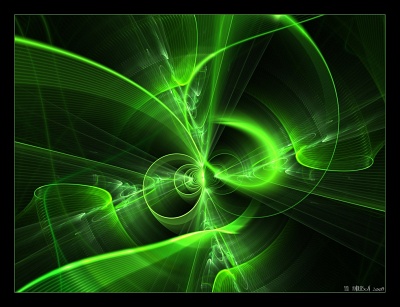
When the inward journey feels a little too fast: a white-knuckle ride to the centre.
Base flame provided by this Rototubes script.
Thursday, 15 January 2009
Smoke rings true
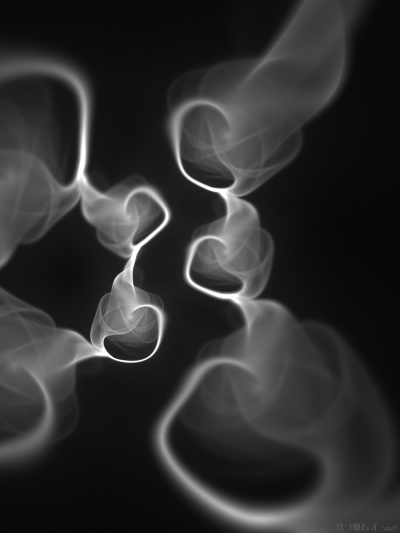
A deliberately ambiguous piece, dedicated to Tanya, who is eschewing the habit.
Perhaps just recognisable to afficionados, this began life as a 'plastic' flame!
Wednesday, 14 January 2009
Born molten
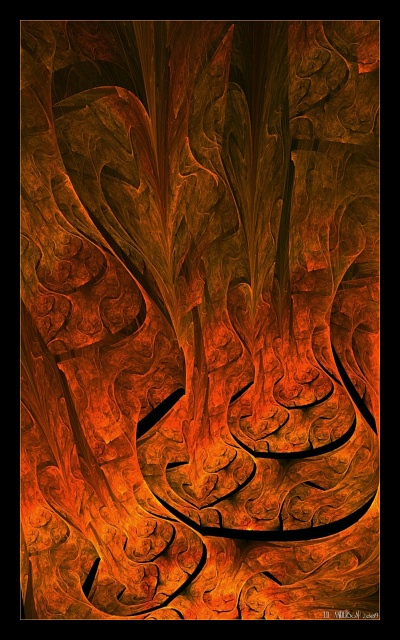
The genesis of rock, slop-slopping-folding over itself, always seeking the low point in gravity's well.
A splits/elliptic re-touched in the GIMP for colours. Underworld fans will see plagiarism in the title :D